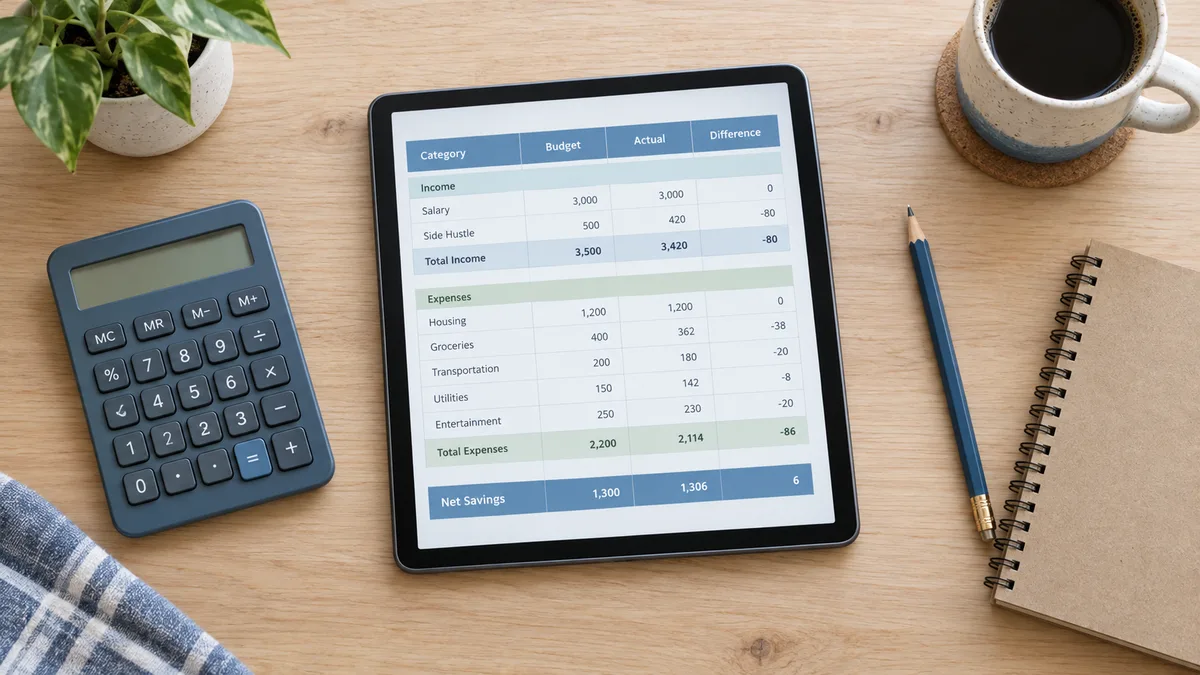
Reading about spreadsheets is like reading about swimming. So instead of theory, here is a build: a small monthly budget spreadsheet you can make in about fifteen minutes. Follow it once and you will know how to make a spreadsheet for almost anything - a trip plan, a guest list, a savings goal.
Every good spreadsheet answers one question. Ours: "where does my money go each month?" That question decides your columns: date, item, category, amount. People who start formatting before knowing the question end up rebuilding - write your question at the top of tab one and let it boss the design around.
Some other questions and their natural columns: job hunt (company, role, stage, follow-up date), grocery run (section, item, quantity, price), study plan (subject, topic, due date, status).
Row 1 is for headers: Date, Item, Category, Amount. Type them in A1 to D1 and make them bold. Then enter five real rows of recent spending. Real data from the start keeps the sheet honest - dummy layouts with fake "Lorem ipsum" rows hide design mistakes.
Keep one rule sacred: one row per entry, no merged cells in the data area. Merged cells look tidy and break every sort, filter and formula you will ever want.
Below your data, type "Total" and next to it =SUM(D2:D6). Now the sheet tracks your spending total as you add rows (extend the range, or use =SUM(D:D) to catch everything).
Add one summary per category: =SUMIF(C:C,"Food",D:D) totals only rows where the category is Food. Copy it for Rent, Travel, Fun. SUMIF is the single most useful budget formula - it turns a pile of rows into a picture.
Finally, a leftover check: put your monthly income in a cell, subtract the total, and label it "left to spend". Watching that number shrink through the month is budgeting.
Bold the headers, freeze row 1 (View, Freeze), format the amount column as currency, and give the summary block one quiet background colour. Stop there. A spreadsheet is a tool; fifteen minutes of extra decorating does not make the numbers kinder.
When the month ends, right-click the tab, Duplicate, clear the entries, rename it to the new month. Twelve tabs later you have a year of records and a yearly total that is one SUM across tabs.
This is also the moment where most people decide whether to keep building or grab something ready. Our budget templates are this same idea carried further - dashboards, charts and a year view, already tested - so if you find yourself enjoying the result but not the building, that is the shortcut.
Storing numbers as text: if your total shows zero, click a number cell and check the format is Number, not Plain text. Typing inside the formula range: put summaries below or to the right, never inside the data. And the classic: one giant sheet for everything. Separate tabs beat one crowded tab - data on one, summary on another.
The budget above takes fifteen minutes the first time and five the second. The learning curve is in knowing what to ask of the sheet, not in the typing.
Both work identically for this build. Sheets is free and lives in your Google account; Excel needs a licence. Everything in this guide works in both.
The Share button in Google Sheets, with view or edit access per person. For a reusable file, share a copy link so everyone gets their own version.
budget spreadsheet templates · the simple monthly budget · a deeper expense tracker
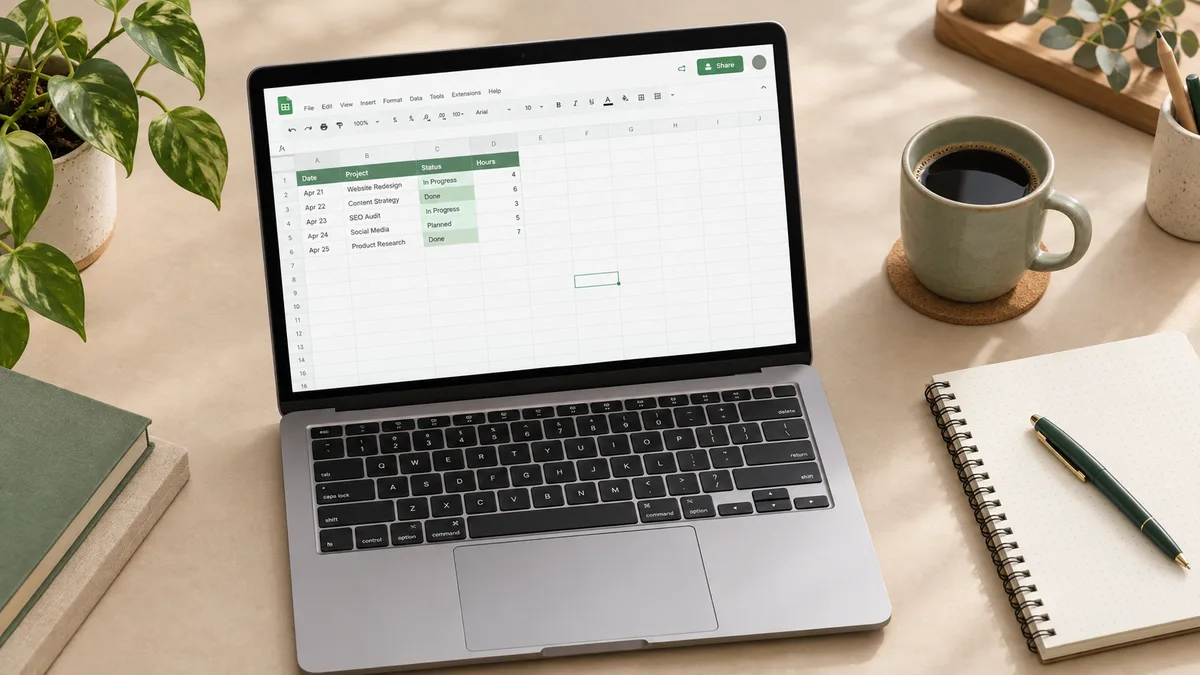
How to use Google Sheets from zero: cells, formulas, formatting and sharing, explained with small real examples. No jargon, no prior Excel needed.

How to budget money with a method that survives real life: list honestly, pick limits you can keep, log weekly. With a worked example on a normal salary.