
| Date | Category | Description | Amount |
|---|---|---|---|
| 3 Nov | Groceries | Weekly shop | 2,140 |
| 4 Nov | Transport | Fuel | 1,500 |
| 4 Nov | Eating out | Lunch with team | 420 |
| 6 Nov | Subscriptions | Music plan | 119 |
| Month total | 17 categories | 28,450 |
Planned layout, drawn from the build notes. The finished template may differ a little - it goes through the same dummy-data testing as the rest of the shop before listing.
A spreadsheet expense tracker that turns a shoebox of spending into one honest monthly picture: a simple daily log, automatic category totals, and a month summary you can read in ten seconds. Built for Google Sheets, with an Excel download option planned.
Like every DazzleDesk file it will ship with a Buyer Access PDF, a quick-start guide and a bonus checklist, and it will work with a free Google account.
Yes - Every Rupee is being built for Google Sheets first, with an Excel (.xlsx) download option planned. Google Sheets can export any file to Excel format, and the log and totals tabs are being designed to carry over cleanly.
Log every spend in five columns - date, category, description, amount, payment method - and let formulas total each category. Every Rupee has exactly this structure pre-built, with the category totals and charts already wired.
A practical starter set: groceries, eating out, transport, housing, utilities, subscriptions, health, clothing, fun, and other. The tracker ships with these pre-filled, and you can rename or add your own.
Little and often beats a monthly catch-up: thirty seconds when you spend, or a two-minute evening roundup from your bank app. The weekly habit matters more than the tool.
The log structure works for any spending. For business use, add a column for client or project and the category totals still hold - a dedicated business version is on our list after this one ships.
Yes. Google Sheets has a free mobile app, so logging a coffee from the queue takes seconds. The desktop view is where the summary and charts shine.
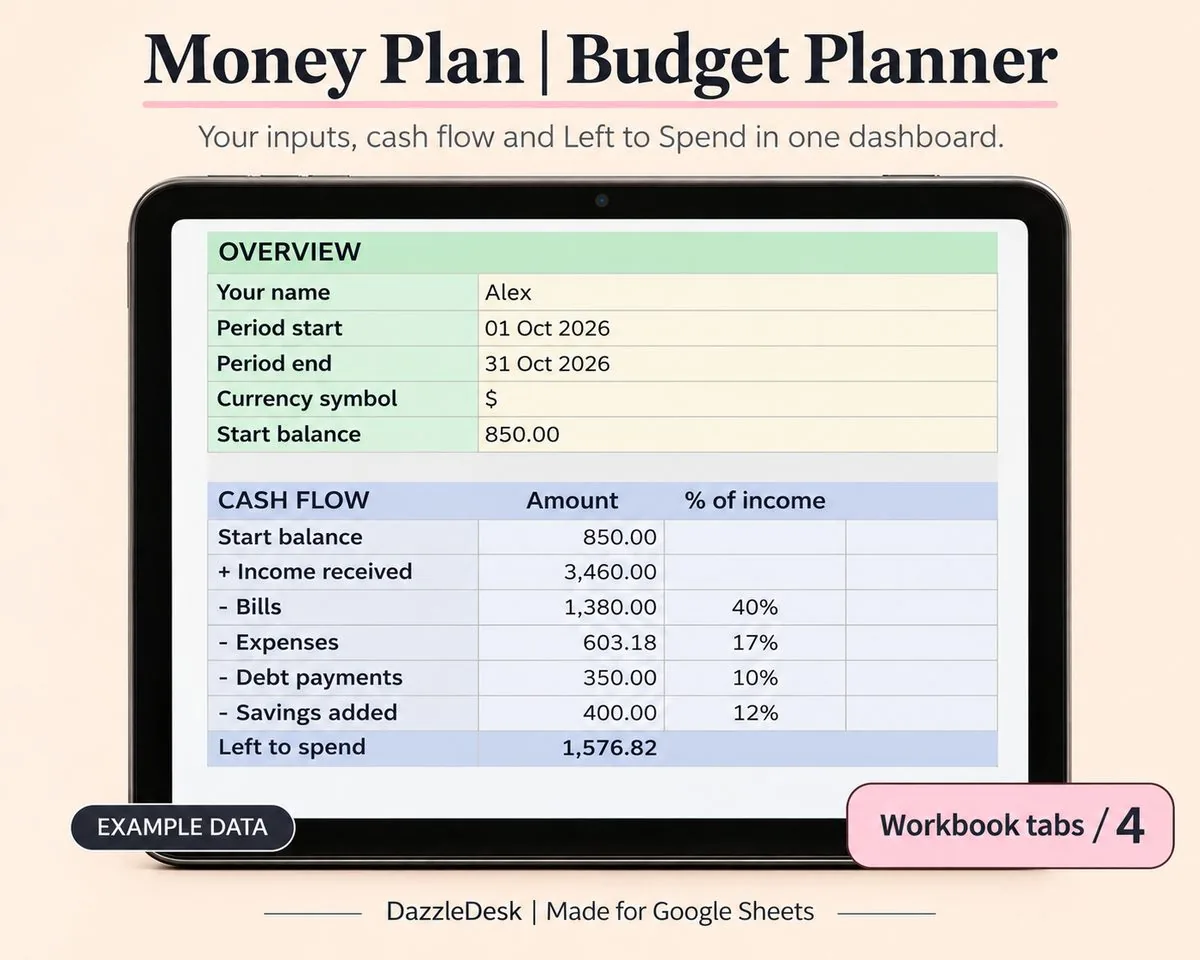
A monthly budget that does the maths for you: plan your categories, log spending, and watch the dashboard tell you exactly where the money went.
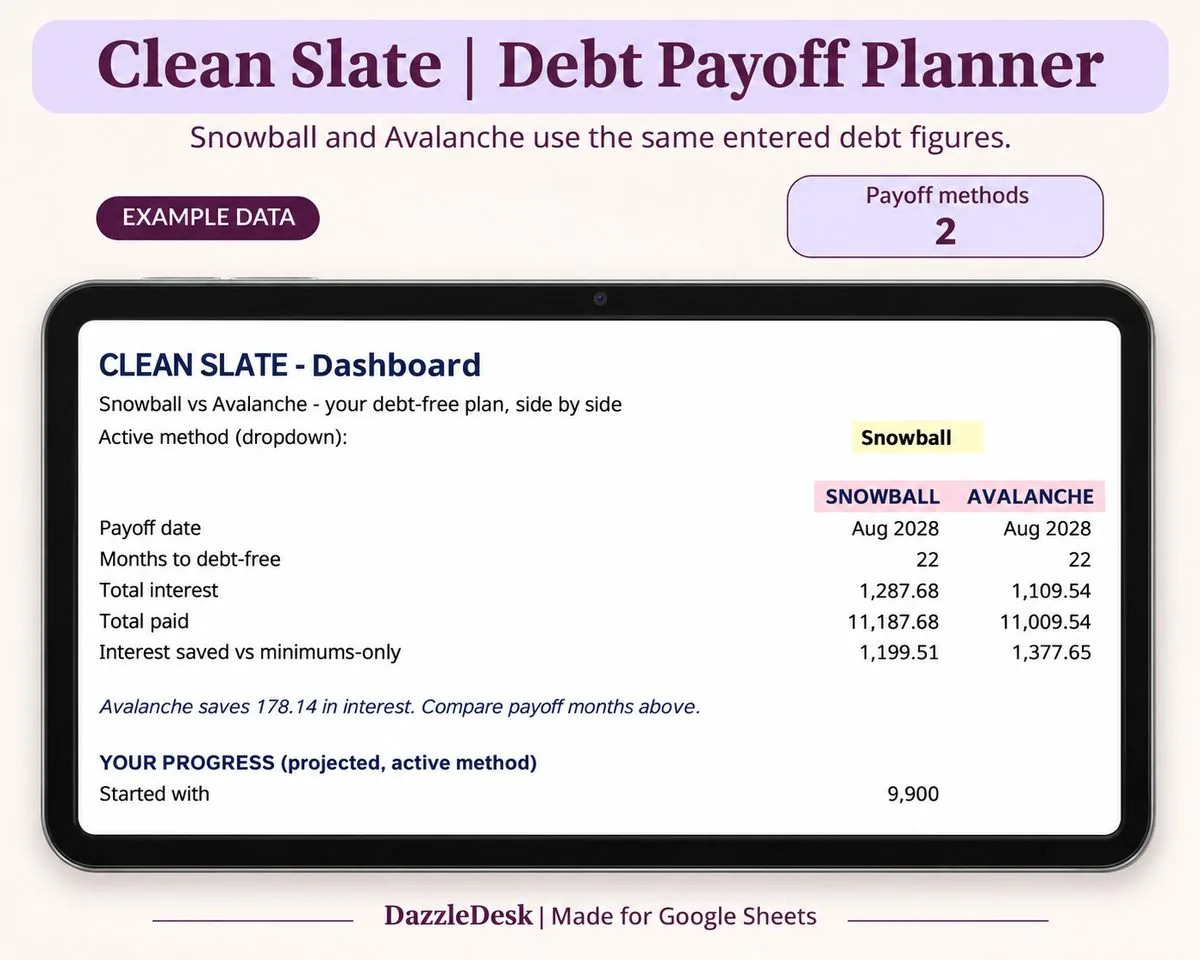
List every debt, pick snowball or avalanche, and get a month-by-month payoff schedule with your debt-free date on top.